The Workbench
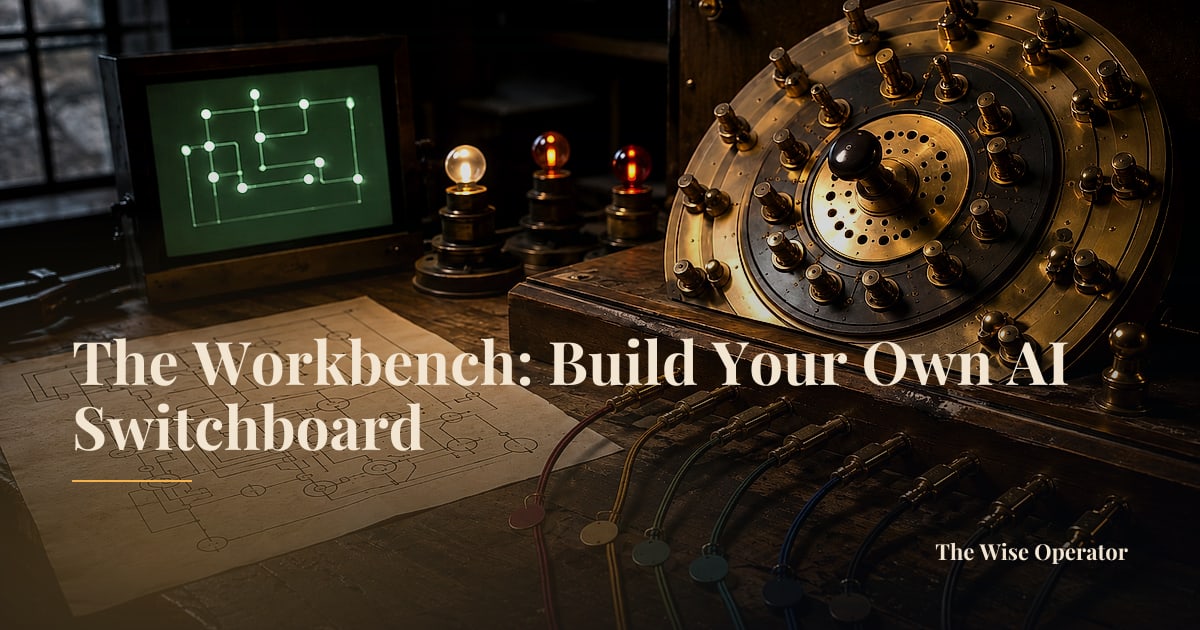
The Workbench: Build Your Own AI Switchboard
A personal AI switchboard you can build this weekend: one router that sends routine work to a cheap model and hard reasoning to a frontier one, with a spend cap you set.
By Scott Krukowski, editor of The Wise Operator
Each Saturday, The Wise Operator hands you one build you can finish this weekend: a paste-ready brief, the tools to do it, and what you are learning by doing.
This week taught one thing three times: keep the switch in your own hand. Monday’s Cornerstone put a dial on it. A frontier model earns its premium on the genuinely hard step and wastes your money on everything else, so you pay top prices only where the reasoning is truly heavy. Wednesday’s Cornerstone added the guardrail. Before you give any autonomous tool room to run, you set a watch on what it can reach and what it can spend, drawing that boundary before the wall is finished rather than after the damage is done. Friday’s Signal named the danger plainly. Every desktop vendor now wants to be your one brain, and the counter-move, named twice, was model routing: the logic that decides which model answers a request stays yours, not theirs.
So this weekend you build the thing all three point to. Your own AI switchboard is a small piece of routing that sends every request to the model best suited to it. Routine work, summaries, rewrites, and quick lookups drops to a cheap or free model. Only genuinely hard reasoning escalates to a frontier model. All of it sits behind one setup with a hard monthly spend cap you set yourself. You stop paying premium prices for lightweight work, and no single company owns your judgment about which brain does which job. This is for the operator tired of a single vendor holding the switch.
The Tools
You need exactly one account. OpenRouter is free to start and pay-per-use, with several zero-cost models and no monthly minimum, and a small fee sits on top of provider pricing only when you call a paid model. One API key reaches more than 400 models from many providers through a single endpoint, and you switch between them by changing one parameter in your request, which is what keeps the routing decision genuinely yours rather than baked into someone else’s app. Its per-key credit limit lets you set your spend boundary the same day you sign up, and its Auto Router will pick a model per request if you would rather it choose. Start on the free models, and wire the escalation to a paid one only when a task actually earns it.
The Brief
Introduce yourself to your own LLM with this. Copy the whole block below, paste it into the chat model you already use, and it returns a working start you can run and read top to bottom.
# Project: My AI Switchboard (a personal model router)

## Goal
Build me a small, single-file script that takes any task I type, decides
whether it is routine or genuinely hard, sends it to the right AI model
through one OpenRouter API key, and prints back both the answer and which
model handled it, all under a spend cap I control.

## What it should do
1. Read a task from the command line (or a simple text input).
2. Classify the task as EITHER "routine" (summaries, rewrites, formatting,
   quick lookups, simple questions) OR "hard" (multi-step reasoning,
   analysis, code, judgment calls). Use a short keyword-and-length rule
   first; only if that is unclear, ask a cheap model to label it.
3. Route routine tasks to a free or low-cost model, and hard tasks to a
   frontier model. Keep the model names in a config block at the very top
   so I can change either one in a single place.
4. Make one API call to OpenRouter with the chosen model and return the reply.
5. Print the answer, then one line telling me which model answered and
   roughly what it cost.

## Constraints
- Use ONE OpenRouter API key, read from an environment variable, never
  pasted into the code.
- Keep it to a single file a non-coder can read from top to bottom.
- The model choices live in one config block, so switching a model is a
  one-line edit.
- Assume I have set a hard monthly credit cap on the key inside OpenRouter,
  and add a comment reminding me where that setting lives.
- Explain, in plain-English comments, what each section does.

## Then
Show me one example of each: a routine task that went to the cheap model,
and a hard task that escalated to the frontier model, so I can watch the
routing actually work.
What You’re Actually Learning
- Back end: the one small piece of routing logic that reads your task, decides which model should answer it, and makes a single API call to fetch the reply. This is the heart of the build.
- Security: setting a hard credit cap and a scoped, single-purpose API key so a runaway or looping job cannot quietly drain your account. This is Wednesday’s “set a watch,” made practical.
- Front end (only if you wrap it in a page): a plain box where you type a task and see the answer plus which model handled it, so the routing is visible instead of hidden.
- Deployment (only if you wrap it): pushing that page to a live web address so your switchboard becomes a tool you own and open like any other.
Wisdom Speaks
Jesus set this line in the middle of a hard teaching on what following him costs, and the picture he chose was a builder who sits down before he lifts a single tool.
For which of you, desiring to build a tower, doesn’t first sit down and count the cost, to see if he has enough to complete it? (Luke 14:28, WEB)
The spend cap you put on your switchboard is that same arithmetic, counting the cost before the bill runs rather than after. And the switch you keep in your own hand is stewardship of a judgment God gave you to exercise, which is why handing it whole to a single vendor, and paying a frontier price for work a free model would finish, is not the wise economy. Build the tower, count the cost, and keep the deciding where it belongs.
From the Editor
Got a half-formed idea you want to put to work? Let's sharpen it into a build plan.
Prototype Your IdeaA short interview that turns your idea into a structured build plan. Takes about five minutes.